Introduction
When building .NET applications that interact with databases, developers typically choose between two common data access approaches: Entity Framework and Dapper.
Both tools simplify database interaction and help map database records to C# objects. However, they are designed with different goals in mind.
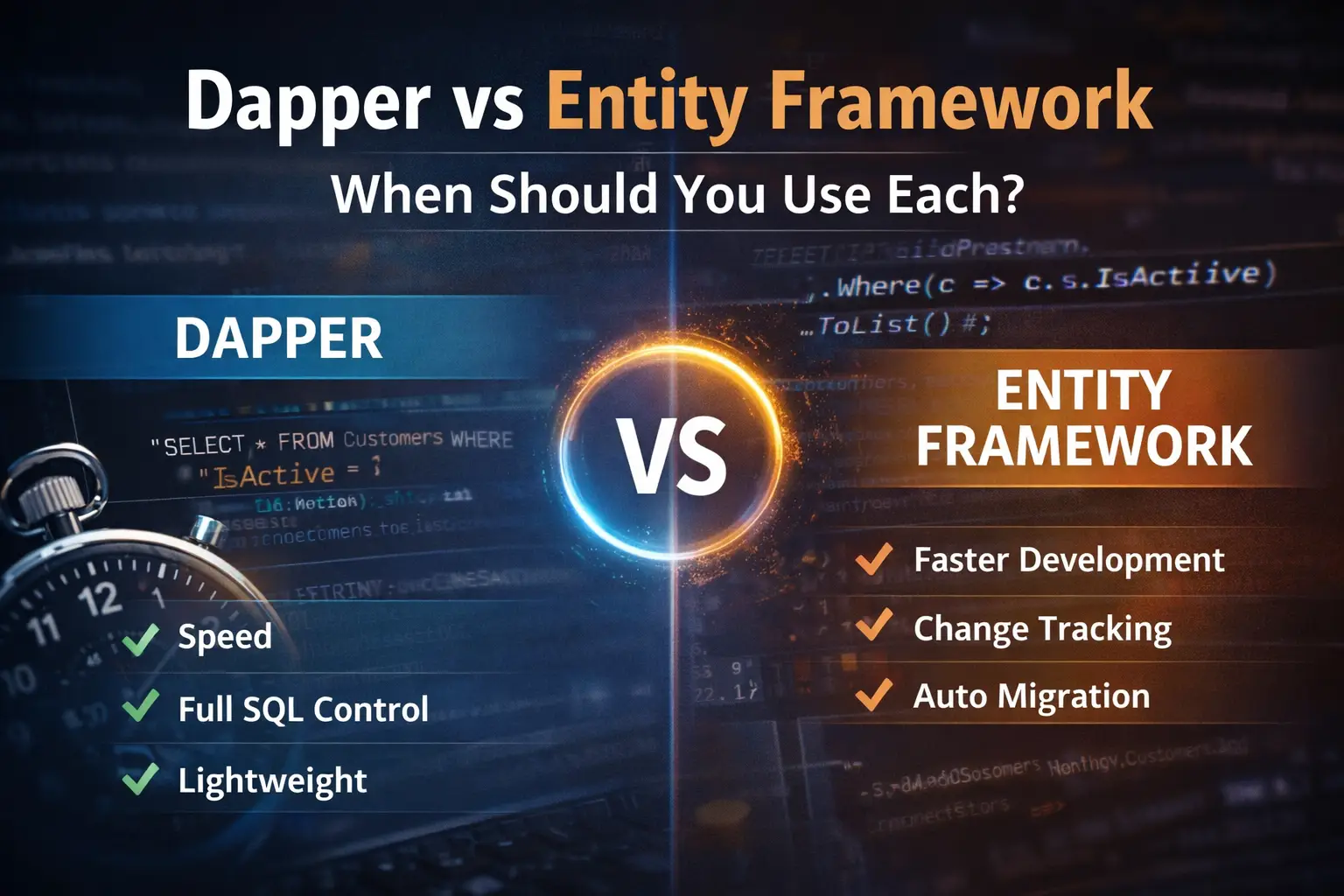
Entity Framework focuses on developer productivity and abstraction, while Dapper prioritizes speed and control over SQL queries.
Understanding the strengths and trade-offs of these two technologies allows developers to choose the right tool for each situation.
This article explores:
- What Entity Framework is
- What Dapper is
- The key differences between them
- Real performance comparisons
- When to use each approach in real-world applications
What is Entity Framework?
Entity Framework (EF) is a full-featured Object Relational Mapper (ORM) developed by Microsoft.
It allows developers to interact with databases using C# objects and LINQ queries, instead of writing SQL directly.
Example:
var customers = context.Customers
.Where(c => c.IsActive)
.ToList();
Entity Framework translates this LINQ query into SQL and executes it against the database.
This abstraction makes development faster and reduces the need for manual SQL queries.
Advantages of Entity Framework
Rapid Development
Developers can build applications quickly without writing large amounts of SQL.
Change Tracking
EF automatically tracks changes to objects and generates the correct SQL statements when saving data.
Example:
customer.Name = “John”;
context.SaveChanges();
The framework determines the update query automatically.
LINQ Integration
Developers can use strongly typed LINQ queries, which improves readability and compile-time safety.
Database Migrations
Entity Framework migrations allow developers to evolve the database schema through code.
This makes managing database changes across environments much easier.
What is Dapper?
Dapper is a lightweight micro ORM developed by the engineering team behind Stack Overflow.
Instead of abstracting SQL, Dapper focuses on executing SQL queries efficiently and mapping results directly to C# objects.
Example:
var customers = connection.Query<Customer>(
“SELECT * FROM Customers WHERE IsActive = 1”
).ToList();
Dapper does not attempt to manage object states or track changes. It simply maps the query results to objects.
Because of this minimal design, Dapper is extremely fast and lightweight.
Advantages of Dapper
High Performance
Dapper is one of the fastest data access libraries available for .NET.
Full Control Over SQL
Developers write their own SQL queries, allowing precise optimization when needed.
Lightweight Design
Dapper introduces very little overhead compared to full ORMs.
Easy Integration
Dapper works easily with existing ADO.NET connections and database code.
Key Differences Between Entity Framework and Dapper
Feature | Entity Framework | Dapper |
Type | Full ORM | Micro ORM |
Performance | Moderate | Very Fast |
SQL Control | Limited | Full Control |
Development Speed | Very Fast | Moderate |
Change Tracking | Yes | No |
Complexity | Higher | Lower |
Both tools are valuable, but they serve different purposes.
Performance Comparison: Dapper vs Entity Framework
One of the most discussed differences between the two tools is performance.
Because Dapper performs minimal processing and avoids complex abstractions, it typically executes queries faster than Entity Framework.
Below is a simplified benchmark scenario.
Example Benchmark Scenario
Test configuration:
- Database: SQL Server / SQLite
- Records returned: 10,000 rows
- Operation: Select query mapping results to C# objects
- Environment: Standard development machine
Query Example
Entity Framework
var customers = context.Customers
.Where(c => c.IsActive)
.ToList();
Dapper
var customers = connection.Query<Customer>(
“SELECT * FROM Customers WHERE IsActive = 1”
).ToList();
Both queries return identical data but use different internal mechanisms.
Typical Benchmark Results
Operation | Entity Framework | Dapper |
Single record query | ~1.2 ms | ~0.4 ms |
100 records | ~4 ms | ~1.5 ms |
10,000 records | ~65 ms | ~20 ms |
These values vary depending on hardware and database configuration, but the general pattern remains consistent.
Dapper typically performs two to three times faster for raw query execution.
Why Dapper is Faster
Several design decisions contribute to Dapper’s performance.
No Change Tracking
Entity Framework tracks object state changes to support automatic updates.
Dapper simply maps query results to objects without tracking state.
No Query Translation Layer
Entity Framework must translate LINQ expressions into SQL queries.
Dapper executes SQL directly, eliminating this translation overhead.
Minimal Abstraction
Dapper focuses only on two tasks:
- Executing SQL queries
- Mapping results to objects
This simplicity results in very high performance.
When Entity Framework is the Better Choice
Despite being slower in raw query execution, Entity Framework provides several features that improve development productivity.
Entity Framework is a good choice when:
- rapid application development is required
- developers prefer writing LINQ instead of SQL
- the application has complex domain models
- database migrations are needed
These features are extremely useful in many enterprise applications.
When Dapper is the Better Choice
Dapper is ideal in scenarios where performance and query control are critical.
It is commonly used for:
- high-performance APIs
- reporting systems
- analytics queries
- complex SQL queries
- microservices that require fast data access
Developers who are comfortable writing SQL often prefer Dapper because it offers full control over database operations.
Using Both Together in Real Applications
In many real-world systems, developers use both Entity Framework and Dapper in the same project.
A common strategy is:
- Use Entity Framework for standard CRUD operations
- Use Dapper for performance-critical queries
Example scenarios where Dapper is often used:
- dashboards
- complex reporting queries
- bulk data processing
- high-traffic APIs
This hybrid approach combines development productivity and performance optimization.
Example Hybrid Architecture
Application
│
│
Service Layer
│
┌───────────────┐
│ │
Entity Framework Dapper
(CRUD operations) (High-performance queries)
│ │
Database
This structure allows developers to benefit from both technologies.
Real-World Example
Consider a reporting dashboard that loads thousands of records.
Using Entity Framework may introduce unnecessary overhead due to:
- change tracking
- LINQ translation
- entity state management
Using Dapper for the reporting query can significantly improve performance.
Example:
var report = connection.Query<ReportItem>(
“SELECT ProductName, SUM(Sales) FROM Sales GROUP BY ProductName”
);
This query executes directly and returns results with minimal overhead.
Conclusion
Both Entity Framework and Dapper are powerful tools for data access in .NET applications.
Choosing the right tool depends on the needs of the project.
Entity Framework excels in developer productivity, maintainability, and abstraction, while Dapper shines in performance and SQL control.
In many cases, the best solution is not choosing one over the other, but using both strategically.
By understanding their strengths and limitations, developers can design data access layers that are both efficient and maintainable.